


PRINEN / Knowledge & service
QR code & NFC products
A physical object can make a digital destination easier to access. Choose the appropriate format and clarify the desired link and intended use.
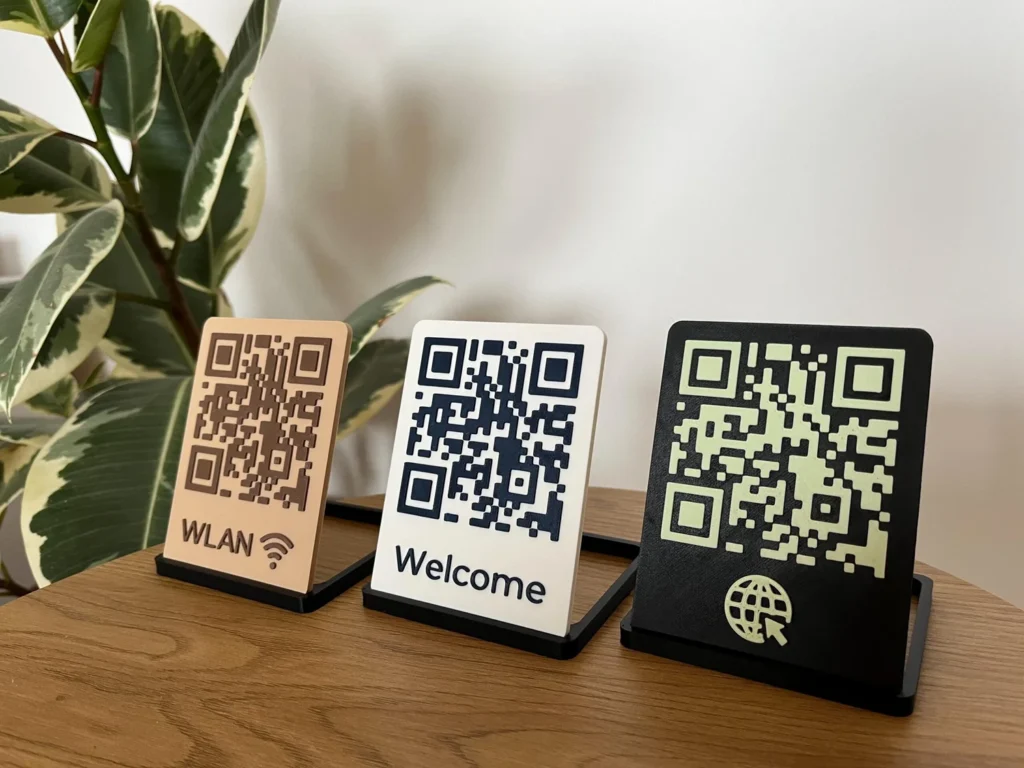
Product example from the PRINEN shop. Check the item for available options and included contents.
QR-Code
A visible code is read using a compatible camera or scanning app. An online destination requires a reachable link and usually an internet connection.
NFC
An NFC-capable device reads a chip at short range. Device support, settings and stored content determine what is possible. Not every function is available on every smartphone.
Formats from the shop
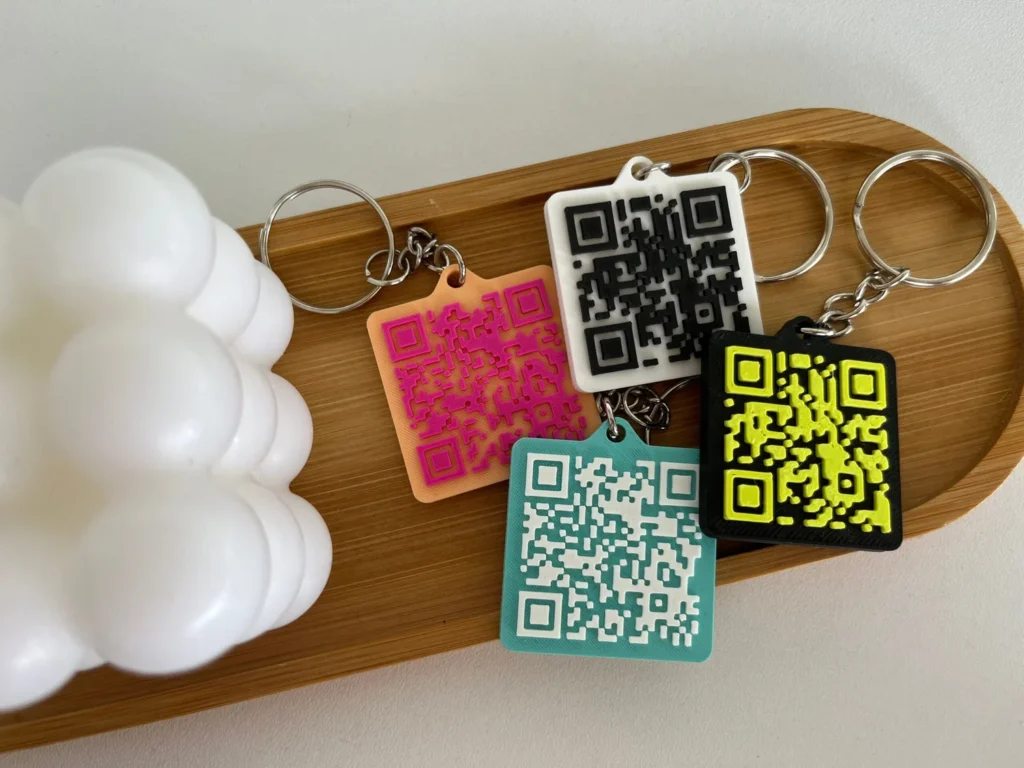
Customisable 3D-printed QR-code keychain
Shop example. Decorative props are included only if explicitly stated for the item.
Customisable QR-code plaque with stand
Shop example. Decorative props are included only if explicitly stated for the item.
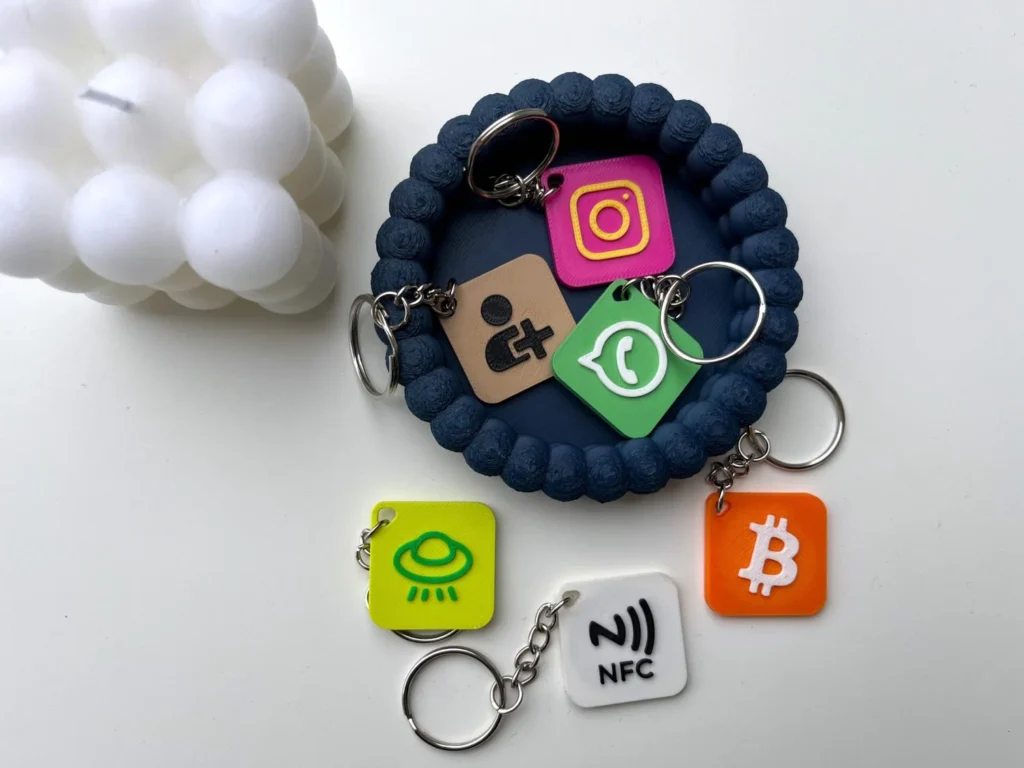
Customisable NFC-tag keychain with icon
Shop example. Decorative props are included only if explicitly stated for the item.
01
Agree the link and application
A website, contact page or content you provide may be suitable destinations. Check the link and any required permissions. The physical product does not automatically include hosting, an app or the continued availability of third-party services.
02
Test before use
Test the particular item with the intended devices and in actual conditions of use. Whether and how a destination can be changed later depends on the implementation and is not universally promised.
↗
From your destination to the right object
Tell us what should open when the item is scanned or tapped. A checked destination link is more useful than an unclear screenshot. If you already have a code or logo, mention it in your enquiry; we will agree a suitable file handoff.
A printed QR destination, a redirect you control and a writable NFC chip are different things. Later changes depend on the actual configuration. A Spotify code is read using the relevant Spotify app function, not as an ordinary QR code.
For a batch with individual links, assign a destination to each version. Do not include passwords or private access details.
Also clarify who manages the destination or redirect, who may edit its content and who is responsible for keeping it available. A file on your computer is not yet a publicly reachable link. For several destinations, assign the correct link and quantity to each version.
↗
QR code: recognition or destination page?
The code is not recognised: Use a suitable camera or scanning app, gently clean the surface and avoid glare and shadows. Keep the whole code visible and adjust the distance slowly. A second suitable device may help isolate a device issue.
The code is recognised but the page does not open: Open the agreed destination link directly in a browser. Check your internet connection, permissions and the availability of the destination. If a redirect service is involved, check its status and your management access. A readable QR code cannot replace a working destination.
If the issue remains, tell us the item, device and whether recognition or page access fails. A photo of the object may help. Do not send access credentials. Describe a usage problem →
↗
NFC: check reading and editing separately
The tag is not read: Check that your device supports NFC and the stored content, and that NFC is enabled where required. Hold the tag briefly still at the device’s NFC reading position; this varies between models. A thick case or nearby metal may affect recognition.
You want to change the destination: Being readable does not automatically mean being writable. Rewriting depends on the chip, write protection, stored content and a suitable device or app. Do not enable permanent write protection if you need later changes.
Discuss the required editability before ordering. For an enquiry, provide the particular version and device; this guidance does not promise support for every smartphone or application. Discuss the NFC version →
Still have a question?
We can help you choose and discuss individual requirements.